This is a quick work flow of how I transcode my video to prepare it for Lightworks. See my introduction post on Lightworks coming on Wednesday.
If your camera or phone outputs interlaced video, you will want to run it through
Handbrake to de-interlace the video and optimize it for
Lightworks. This also includes options to set the frame rate.
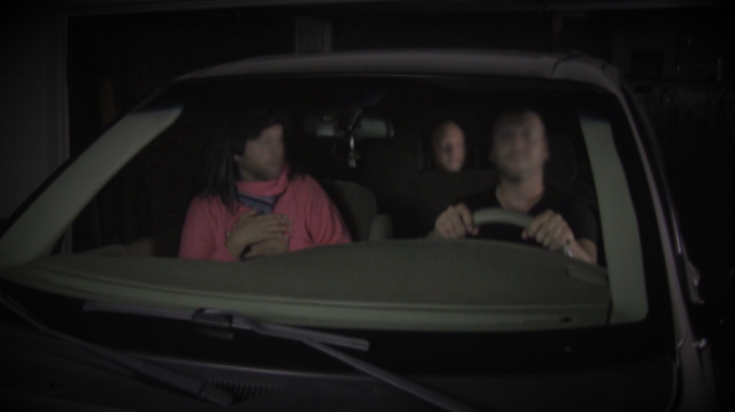
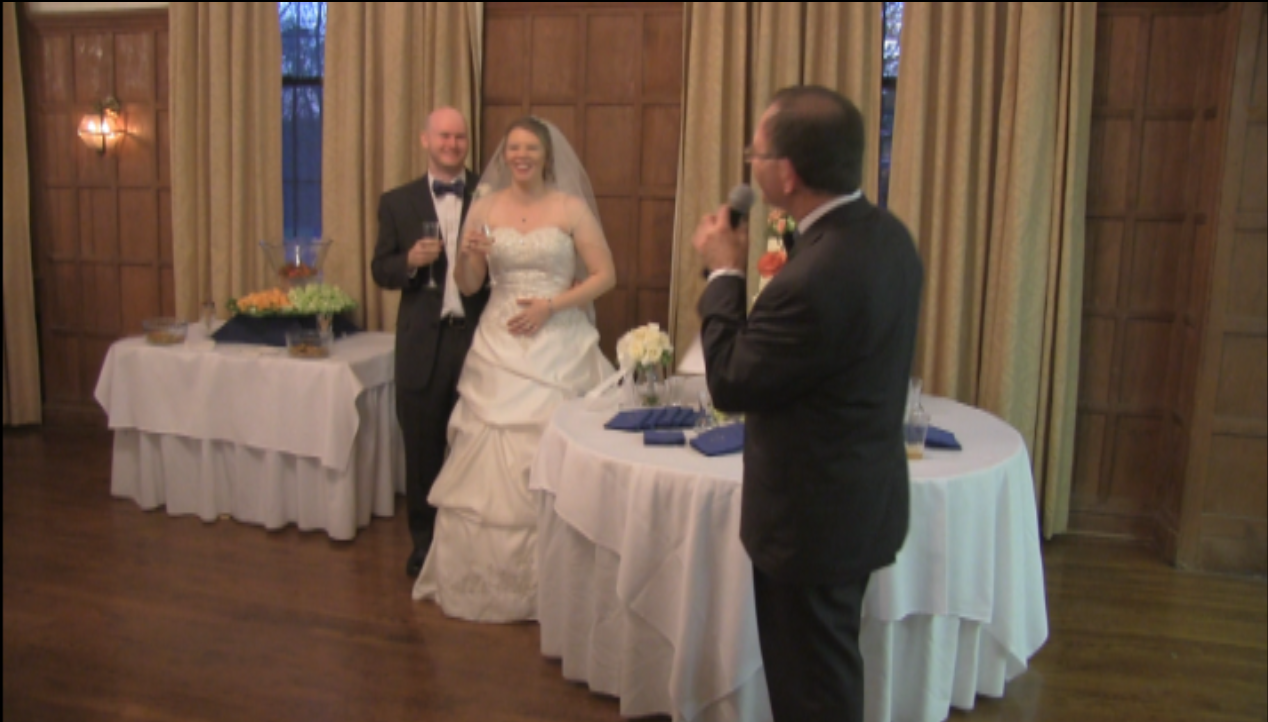
Interlacing is done to double the perceived frame rate by imposing two fields of the video onto the same frame. The issue with interlaced frames is that quick movements can look blurred or fuzzy. De-itnerlacing solves the issue.
Once Handbrake is running, click the
Source button and select the video file you need to prepare for Lightworks.
 |
| Click the source button to locate your video file. |