Showing posts with label Lightworks. Show all posts

Wednesday, September 10, 2014

Video Editing: Split Screen Initiative

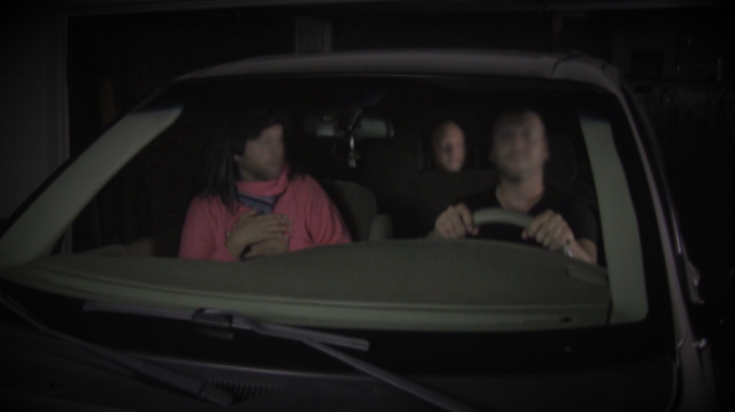
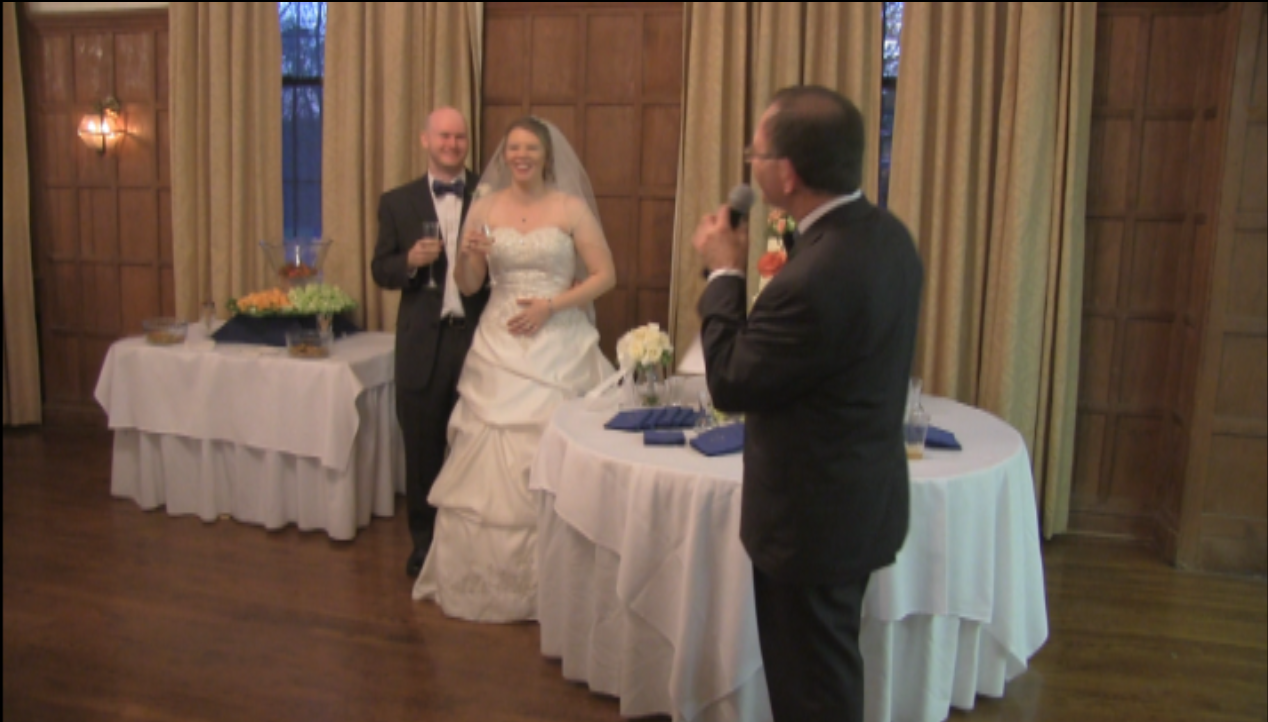
I'm finally getting back to making videos. The production schedule is aggressive, so be on the lookout for videos. Today, I'm going to cover split screen compositing.
I used one actor for three different roles. While more time should have been spent on pre-production and planning, the concepts are helpful regardless. The split screen idea was developed on the fly, use my advice to perfect your process.

One actor, three parts. The power of split screen.

Wednesday, June 25, 2014

Video Editing Introduction


Lightworks is a great video editing program. It can be intimidating upon first starting the program.
Check out my other topics related to video editing.

Lightworks is versatile, yet quickly becomes complicated with multiple video and audio tracks.


Lightworks edit with five video tracks and four audio tracks.
I'm going to run through a few simple commands that are the basis of Lightworks.

Monday, June 23, 2014

Importing Into Lightworks Via Handbrake

This is a quick work flow of how I transcode my video to prepare it for Lightworks. See my introduction post on Lightworks coming on Wednesday.

If your camera or phone outputs interlaced video, you will want to run it through Handbrake to de-interlace the video and optimize it for Lightworks. This also includes options to set the frame rate.
Interlacing is done to double the perceived frame rate by imposing two fields of the video onto the same frame. The issue with interlaced frames is that quick movements can look blurred or fuzzy. De-itnerlacing solves the issue.

Once Handbrake is running, click the Source button and select the video file you need to prepare for Lightworks.

Click the source button to locate your video file.

Wednesday, June 4, 2014

Color Grading


I've done very little color grading with my previous videos, but that is going to change after the great results of my recent project.


Here is an example of color grading, both before and after shots that I took as I share what I've learned from mainly trial and error and what little I remember of color theory.

Original Image

Monday, June 10, 2013

Budget Video Editing

Until Lightworks changed their business model to offer free video editing software, I had no way to edit professionally looking video. Something I had wanted to do since a college course.

Lightworks is a professional non-linear editing software used in a number of big budget movies.  Pulp Fiction, Raging Bull, Shutter Island, The Departed, Lock Stock and Two Smoking Barrels- all great films, all edited with Lightworks.

I have been able to implement any editing and video trick I have imagined so far.

Here is my work flow.

The Lightworks interface.
Blogger Widget